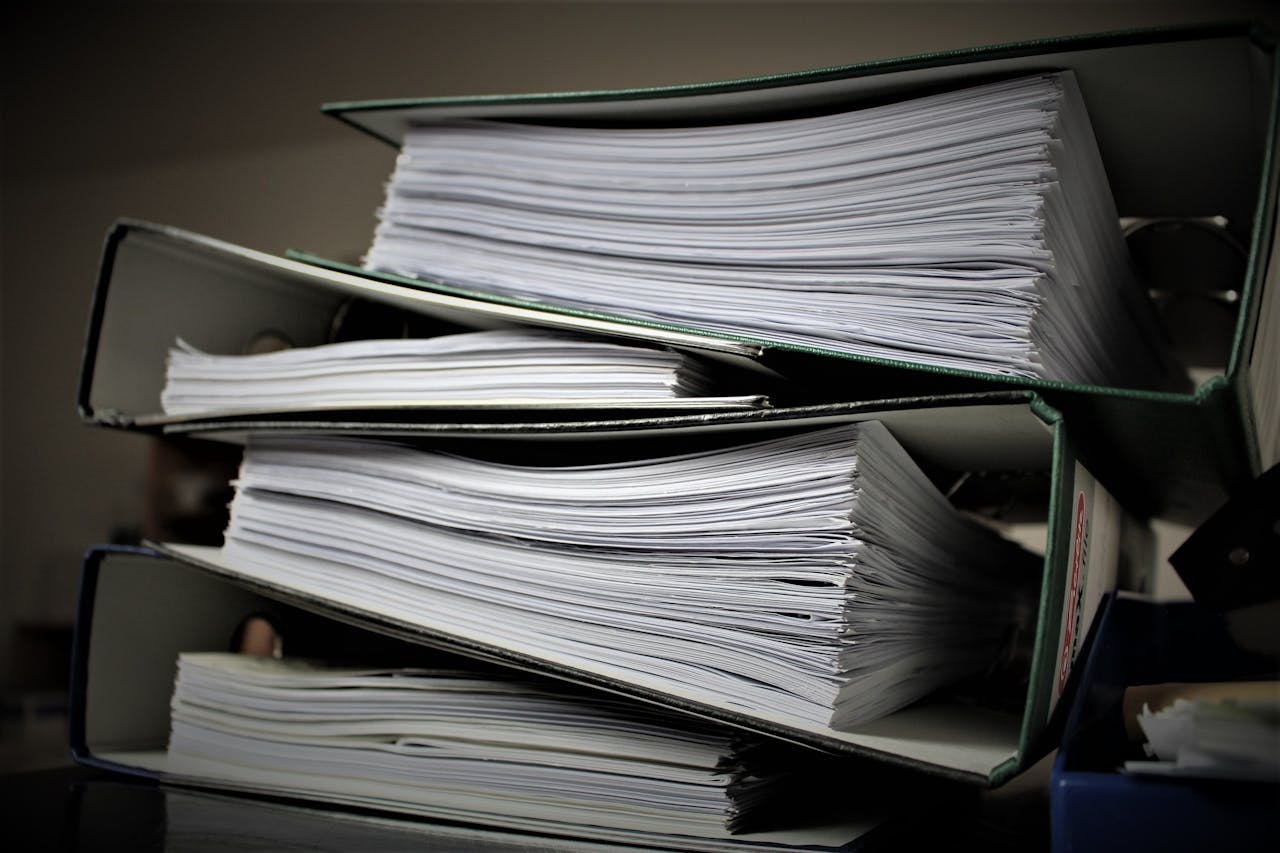
Physical filing vs. E-filing 2025 means legal pros need to understand the workings of both, their protocols, and how to increase digital adoption by law. While courts and firms have turned to e-filing more for its speed, cost, and ease of sharing files, other jurisdictions or types of cases still require paper. Understanding the strengths and vulnerabilities of each method assists with case timeliness, security, and satisfying court requirements. E-filing typically reduces lost files and time. Ancient paper steps and rules still count, as well. Schedule 2025 is more tech in legal work, so savvy filing decisions keep work flowing. The following sections reveal distinct advantages, disadvantages, and advice associated with each alternative.
Key Takeaways
- As a legal professional, you need to analyze both these regulatory changes and technology trends to figure out what filing methods make the most sense for your practice in 2025.
- E-filing greatly enhances accessibility, efficiency, and collaboration, yet demands prudent attention to data security and platform dependability to safeguard sensitive details.
- Cost-wise, e-filing options generally provide significant savings compared to physical alternatives, especially when accounting for limited overhead and storage requirements.
- Compliance with court-specific rules and evolving data protection standards is key in either case.
- Incorporating filing into larger workflow systems and training personnel on new tools is just as important as extracting the value of either filing strategy.
- Building a smart, flexible filing strategy enables law firms to satisfy clients’ needs, stay ethical, and prepare for whatever the future of handling legal documents may bring.
The 2025 Filing Dilemma
As lawyers in 2025 navigate a complicated landscape of shifting court rules, tax law revisions, and technological innovations, the decision between real-world filing and electronic filing is no longer just a matter of convenience. It has become crucial for compliance, security, efficiency, and cost control in legal services. Local court rules, new digital mandates, and the requirement for immediate, secure access to court records complicate the filing process further.
1. Accessibility
With e-filing services, lawyers and clients can view, file, and track legal documents online, wherever and whenever they want. This flexibility is crucial when court systems span multiple time zones or physical access is restricted by distance or court hours. At filing time, lawyers with physical paperwork still encounter lines, lost papers, or wasted time finding documents. Technology fills in these gaps, cloud platforms, encrypted remote access, and automated alerts streamline the legal document submission and case management process. Firms in remote or rural regions, or with subpar digital infrastructure, could face e-filing impediments and have to depend on physical court filing or hybrid methods.
2. Security
Physical files are at risk of loss, fire, or unauthorized access, sometimes secured only by guarded rooms and sign-in logs. E-filing systems, including those offered by Bay Area File, utilize encrypted storage, password protection, and digital audit trails to safeguard data. They aren’t invulnerable to cyber attacks or technical glitches. Attorneys must confirm that their legal document submission, whether physical or electronic, satisfies the court’s data security standards and safeguards client confidentiality.
3. Efficiency
Transitioning to e-filing accelerates legal document submission, and cases advance more quickly through electronic filing systems and automated activities. This will decrease delays at court clerks and administrative choke points. Workflow tools, meanwhile, assist teams working on joint documents, and digital checklists and reminders reduce deadline misses. The impact on case preparation is clear: less time on physical paperwork, more time on legal strategy. Best practice is continuous training and periodic filing protocol refresher to keep everyone up to date.
4. Court Filing Costs
|
Cost Factor |
Physical Filing (USD) |
E-Filing (USD) |
|
Storage |
2,000-10,000/year |
200-1,000/year |
|
Supplies |
500-2,500/year |
100-500/year |
|
Labor |
3,000-12,000/year |
1,000-3,500/year |
|
Filing Fees |
20-100/case |
10-80/case |
|
IT/Software |
100-600/year |
1,000-5,000/year |
E-filing saves money by reducing storage, supply, and labor expenses, making it an essential part of the legal filing system. Digital solutions require investments in software and IT support, while outsourcing e-filing services to Bay Area File can further reduce operational costs for law firms, ensuring compliance and data safety.
5. Compliance
They codified submission rules for electronic filing and physical filings, file types, deadlines, signature protocols, and archives. Non-compliance can lead to rejected court documents, case delays, or fines. Lawyers must check court notices and remain aware of changing requirements, particularly as digital transformation continues to push those standards to evolve. The advent of e-filing has created even more dynamic compliance demands, resulting in frequent training and tight coordination with court clerks to prevent expensive missteps.
Beyond The Document
Smart filing doesn’t end with stashing papers. For lawyers in 2025, the decision between physical court filing and e-filing runs deeper, sculpting workflows, team relationships, and client confidence. Jurisdictional e-filing expansion, such as California’s complete electronic filing system for all documents, is not abating. Incorporating e-filing services into your daily work and client communication is now a mandatory part of legal practice.
Workflow Integration
E-filing is most effective when combined with timely case management solutions. Connecting e-filing portals directly into case management software enables attorneys to file, monitor, and access documents without ever leaving their primary interface. Utilizing an electronic filing system and smart filing alerts, deadline reminders, and document tagging saves time and reduces missed deadlines, as filings are projected to hit 5 billion by 2028. Document management software, such as cloud-based repositories, organizes documents by case, date, or party, enabling search and retrieval far quicker than physical paperwork. Integrated filing services allow attorneys to effortlessly update clients in real time, granting secure, limited access to case documents or sharing status updates through client portals.
Court Filing, Human Factor
Legal assistants and paralegals play a crucial role in the transition from paper to digital, particularly in the context of electronic filing systems. Their contribution is essential for scanning, uploading, and verifying that documents are submitted correctly through Bay Area File’s e-filing services. Training is key; staff must know how to navigate new e-filing tools, understand cybersecurity basics, and catch frequent mistakes before legal document submission.
Client Perception
Customers see how papers are stacked. E-filing’s speed and transparency can increase trust; clients love that filings are filed on time and securely. Giving clients visibility into when and how documents move through the process adds assurance.
Timely filing checklist:
- Confirm all deadlines in advance for each case
- Use the e-filing system alerts to monitor submission status
- Scan confirmation receipts as soon as you submit
- Communicate updates to clients immediately upon acceptance of filings
- Save all confirmation logs in secure folders.
Technology eases the burden of providing these updates, allowing them to be sent automatically, decreasing stress and increasing contentment. Secure login portals and two-factor authentication keep sensitive records secure, which is important to customers concerned about data breaches.

When Paper Still Prevails
Some procedures and rules still require physical court filing, particularly among tribunals with hard rules or minimal technology infrastructure. Understanding when physical paperwork prevails helps legal experts keep attorneys out of trouble.
Court Mandates
Most courts across the globe will still want to see physical documents for certain court filings, especially original wills, notarized affidavits, or wet signatures. These demands often arise because an organization needs to check authenticity or is concerned that digital documents can be forged. For instance, probate courts in some territories continue to refuse e-filed originals, requiring hard copies for legal document submission.
Complicating workflows, mandatory e-filing rules can be a headache, as some courts will accept electronic filing for regular case filings but require paper for certain exhibits or evidence. In less well-served e-filing areas, local rules might necessitate physical paperwork due to a lack of accessibility to e-filing services.
Attorneys should review local rules and court notices before selecting a filing method. Neglecting to adhere to paper filing requirements can lead to denied filings or late filings, directly affecting customers and their legal proceedings.
Filing Document Types
Not everything translates well to digital. This is especially true for things that require original signatures, embossed seals, or physical proof. Sensitive tax filings accompanied by a large amount of backup, particularly from those with complicated returns or self-employment income, might necessitate hard copies.
Formatting requirements vary. Courts might lay down hard rules about paper margins or binders or page numbering, while electronic systems typically demand PDFs with certain metadata. Misunderstandings about these requirements can result in expensive errors, like rejected filings or processing delays.
A frequent trap is sending digitized copies when originals are requested, or forgetting to keep a paper backup. Practitioners need to examine each court’s procedures and employ checklists to verify paper readiness.
System Failures
Digital filing systems are susceptible to downtime, hacking, or inability to interface. Technical glitches can disrupt on-time filing and increase the potential for late fees and sanctions. Depending on electronic processes, with no paper failsafes, jeopardizes compliance and the entire operation, particularly around tax time.
Having a hard copy filing option offers protection. Attorneys need contingency plans, from having stamped paper copies on hand to monitoring courts’ announcements of downtime. Being prepared with a backup approach keeps essential submissions from being derailed by unforeseen tech crashes.
Navigating Digital Risks
Attorneys in 2025 need to realize that electronic filing systems are a mixed blessing and introduce new dangers. Navigating digital risks refers to managing electronically stored information (ESI) from inception to destruction, making the use of Bay Area File essential. Information governance policies and the EDRM let you cut eDiscovery costs and shape digital workflows.
Data Breaches
Data breaches can jeopardize client confidentiality and result in legal non-compliance, regulatory fines, and even lawsuits. Critical client information, such as PII and case facts, needs strong safeguards. E-filing security best practices implement strong encryption, multi-factor authentication, and regular staff training on phishing awareness and secure password management. Bay Area File complies with data protection laws, utilizes secure data transfer protocols, and undergoes regular security audits. When a breach occurs, law firms risk their reputation and client trust, which can take years to rebuild. Selecting a Bay Area File with a demonstrated incident response plan and clear communication procedures significantly reduces these risks.
Platform Reliability
Choosing Bay Area File is key to your legal practice. Downtime can make you miss a court filing deadline, stall a case, or even hurt a legal outcome. Important options include uptime guarantees, real-time status monitoring, and automated backups. Bay Area File employs sophisticated eDiscovery software for data ingestion, document submission, and OCR, minimizing human error and maximizing retrieval efficiency. Well-documented track records and user reviews demonstrate system dependability, assisting law firms in maintaining seamless workflows and informing clients.
Ethical Obligations
Attorneys have an obligation to ensure that any legal document submission is accurate. Misfiling, whether through physical paperwork or electronic filing, can lead to lawsuits and loss of clients. When deciding between physical or electronic filing, it’s essential to consider ethical aspects like data security and workflow transparency, especially in relation to court systems and e-filing rules. To uphold ethical standards, firms should keep policies current, provide ongoing staff training, and utilize AI-powered document management to reduce errors.
The Future Filing Landscape
The future of legal filing is evolving quickly. Around the world, courts and agencies are abandoning paper in favor of digital processes. This is not simply a fad; it is an obvious reaction to the quest for timeliness, precision, and efficiency. Currently, numerous jurisdictions mandate or aggressively promote e-filing services, and this trend will only increase throughout 2025. Although physical filing remains in certain jurisdictions, it is rapidly ceding ground as court rules and technology evolve to make electronic alternatives simpler and more secure to utilize.
|
Trend |
Current State |
Projected Impact 2025 |
|
E-filing mandates |
Growing, but not universal |
Near-universal in developed courts |
|
Automation and AI |
Limited deployment |
Wider use for review and routing |
|
Regulatory complexity |
Increasing, especially in tax |
More need for digital management |
|
Environmental focus |
Paper reduction valued |
Digital filing as a green norm |
|
Staff digital skills |
Mixed proficiency |
Training vital for compliance |
The march toward digital courts is relentless. E-filing allows courts to process these cases more quickly and efficiently. E-filed tax refunds can be handled in roughly 21 days, while paper filing may take 6 to 8 weeks. This huge time-saving is significant for law firms, clients, and courts trying to clear backlogs. Digital filing isn’t simply about speed; it translates into fewer errors, better monitoring, and the ability to retrieve case files from any web-connected location. As legal work and document submission become more complex, e-filing will be essential in managing the increasing burden.
Future filings, shaped by tech advances, will see automation and AI doing more of the grunt work, sorting and error-checking forms. This transition will allow employees to concentrate on more challenging legal work and client needs. For law firms, it’s time to buy new tools, draft updated office rules, and train staff to use these platforms well. Selecting the proper e-filing service provider would be as important as understanding the legislation.
For legal teams, the biggest challenges are keeping up and ensuring workflows align with new regulations. As agencies alter their filing needs, the firms have to continue to learn and adapt. Concurrently, the world will experience less paper waste and a reduced carbon footprint as e-filing becomes the norm.
Your Strategic Filing Plan
More importantly, your filing process mixes both paper and digital methods to ensure documents are secure and easily accessible. In law, a clever scheme holds more than files; it tracks important dates and protects sensitive information. This system keeps stress low and speeds things up, which counts when rules and deadlines are tight. Utilizing an electronic filing system can streamline these efforts significantly.
Begin by considering what your office requires. Evaluate the volume of files you process, the sensitivity of the information, and your client’s expectations. For the majority, e-filing services have become the default method of working. It’s quick, reduces errors, and is accessible from just about anywhere. For example, e-filing lets lawyers dispatch court forms in minutes, not days. Although paper filing may still be necessary for original documents, signed forms, or where courts still want hard copies, the hidden expenses of paper filing accumulate, including paper, ink, printers, file cabinets, and storage space, all have a cost. Many firms bypass this by utilizing e-filing for the bulk of their work while maintaining a small area for paper files.
Next is to maintain your system. Tech moves quickly, making it crucial to audit your legal filing system regularly. Check on file flows, permissions, and whether the system keeps pace with new regulations. This is where routine audits come in handy. For instance, an annual check ensures that e-filing software is secure from hacks and that old files aren’t sitting in open folders. These audits prevent information leaks and maintain customer confidence.
To make your plan operational, map it into concrete steps. Choose software that is easy, secure, and appropriate for your firm’s size. Make sure you train staff on both paper and e-file tools, so they feel comfortable. Establish protocols for file names, back-ups, and paper shredding. This keeps things tidy and saves you time when you have to locate stuff in a hurry. With over 90% of taxpayers e-filing, the shift is already underway. A great plan gives you peace of mind, keeps you audit-ready, and lets you concentrate on your real work.

Final Remarks
Legal teams have real decisions to make in 2025. E-filing provides speedy processing, reduced paperwork, and convenient retrieval. Physical filing still has a place for certain courts and sensitive records. Either way requires intelligent safeguards. Some firms still rely on paper for major cases, while others leverage digital tools for speed and collaboration. Local rules and technology gaps shape what works best.
To choose the right direction, consider your team’s requirements, court regulations, and caseload. Apply both methods where appropriate. Keep current on the intersections of law and technology. Share insights with colleagues and employees. Build your filing plan with clear goals.
At Bay Area File, we help legal professionals stay compliant, efficient, and secure with both physical court filing and advanced e-filing services. Whether you need original documents hand-delivered or streamlined digital submissions, our dependable solutions keep your cases moving forward without delays. Contact Bay Area File today to streamline your filing process and ensure your legal documents are always filed correctly and on time.
Frequently Asked Questions
1. What Is The Main Difference Between Physical Filing And E-Filing For Legal Professionals In 2025?
While physical court filing relies on paper documents, e-filing through an electronic filing system streamlines the legal document submission process, saving time and space with enhanced digital security.
2. Are Courts Worldwide Accepting E-Filing In 2025?
Now, while many court systems accept e-filing services, it varies by country and region. Always verify with the specific court their updated legal filing protocols.
3. When Is Physical Filing Still Necessary For Legal Professionals?
Physical filing remains essential when local laws or court systems demand original documents or signatures, as some jurisdictions still mandate physical document management for certain cases.
4. What Are The Key Risks Of E-Filing Legal Documents?
E-filing hazards, including data breaches and system glitches, can impact the legal filing process, but secure platforms and data backups can mitigate these risks.
5. How Does E-Filing Benefit Legal Professionals?
E-filing is quicker, more efficient, and cuts down on paper consumption, enhancing the legal filing process by enabling better document tracking and collaboration between legal teams.
Simplify Your Legal Workflow With Bay Area Files’ Seamless e-Filing Solutions.
Simplify your legal filings with Bay Area File’s advanced Alameda County eFile Services. Whether you’re an attorney in Oakland, a paralegal in Fremont, or a law firm in Hayward, our e-Filing solutions are designed to save you time, reduce errors, and ensure every submission is compliant with court requirements. With over 20 years of experience and a 99% first-time acceptance rate, we understand the challenges of legal filings and deliver unmatched reliability.
Imagine uploading your documents through our user-friendly portal, submitting with ease, and receiving real-time confirmation of court acceptance, all without leaving your office. Need extra support? Our concierge e-Filing service ensures personalized assistance, so you can focus on what matters most: serving your clients.
Located near Alameda County Superior Court, we offer the perfect combination of advanced filing technology and hands-on service, something you won’t find with larger, virtual-only providers. From courtesy copies to document retrieval, we’ve got you covered with a full range of services tailored to your needs.
Don’t let filing delays or rejections slow you down. Create an account today and experience the convenience, speed, and accuracy of Bay Area File’s Alameda County eFile Services. Your streamlined legal workflow starts here.
Disclaimer
The materials provided on this website are for informational and educational purposes only and are not intended to constitute legal, professional, or any other advice. You should consult a qualified professional for advice tailored to your needs or circumstances. Do not act or refrain from acting based on the content of this site without seeking appropriate legal or other professional guidance. The information presented here may not reflect the most current legal or industry developments. No actions should be taken in reliance on the information provided on this website. We disclaim all liability for any actions taken or not taken based on the content of this site to the fullest extent permitted by law.